Manual Search Console refresh & site recrawl cooldowns
On the dashboard websites table, the ⋯ (more) menu per site offers two different actions: pull fresh Search Console metrics into SEO Perception, and queue a fresh full site crawl (known pages requeued, plus discovery of new URLs up to your plan’s page limit). They use separate cooldown rules—mixing them up is the usual source of “why is this button disabled?”
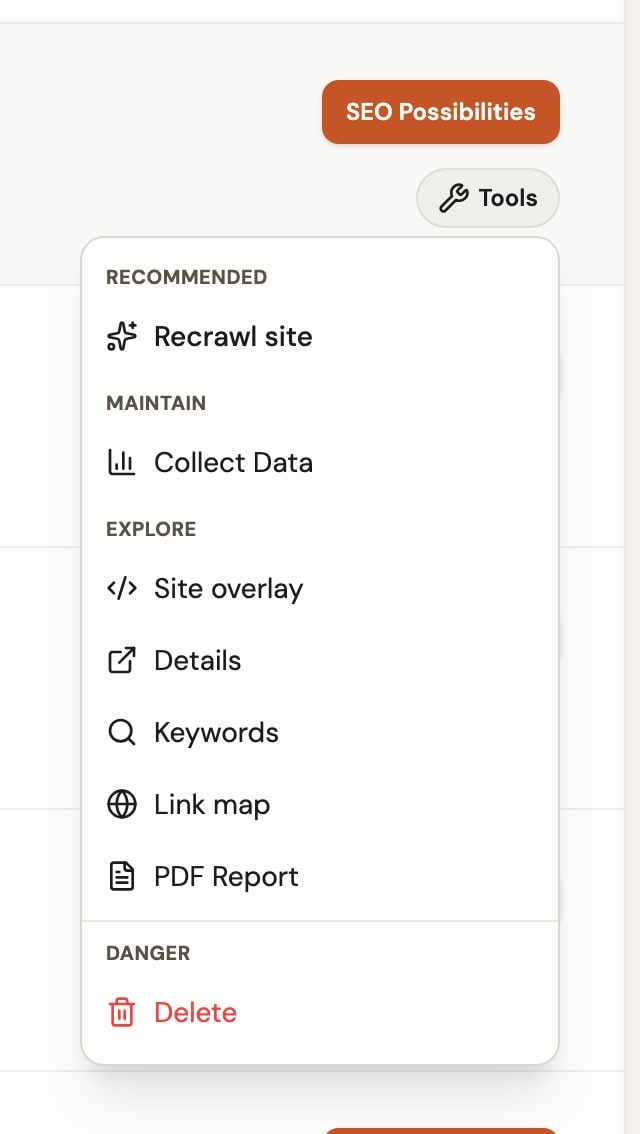
Collect data (Search Console)
Collect data queues an import of Search Analytics performance into your workspace (weekly-aligned facts). For normal accounts it is limited to about once every 7 days per website, all tiers. If you try sooner, the control stays disabled or you see a rate-limit message with a suggested next time.
While a collection is queued or running, the row may show a syncing state instead of letting you stack duplicate requests.
Recrawl site (technical crawl)
Recrawl site requeues the pages we already know about for that website and continues discovering new URLs (from links and sitemaps) up to your plan’s page limit. It is not a homepage-only refresh. Cooldown depends on plan:
- Free — about once every 7 days per site.
- Paid (Starter and above) — about once every 24 hours per site.
If a crawl is already in progress, you cannot start another until it finishes. Very close duplicate clicks may be deduplicated so you do not enqueue noise.
Time for a recrawl? banner
When you resolve several possibilities in a short period, SEO Perception can show a blue recommendation banner below a website row: Time for a recrawl?

The banner appears only when all of these are true for that website:
- You resolved several possibilities recently.
- A crawl is not already in progress.
- Your plan’s manual recrawl cooldown has elapsed.
Dismiss only hides the recommendation locally in your current browser for that website. It does not change crawl scheduling or account behavior. To see it again, use another browser or clear site data for this domain.
Quick decisions:
- Banner visible + Recrawl site enabled — run a recrawl now if you want faster validation of recent fixes.
- Banner not visible — check crawl status and cooldown before expecting this recommendation.
- Recrawl site disabled — wait for cooldown to expire or for an active crawl to finish.
What runs automatically vs what you trigger
When you add a website, SEO Perception runs an initial crawl that expands from the homepage until the queue drains or your plan’s page limit is reached. After that, we do not silently full-recrawl idle sites by age. Further full crawls happen when you click Recrawl site (subject to cooldown), or when an admin runs a force recheck.
Search Console data can still refresh on its own schedule (and via Collect data). That is separate from the technical crawl.