Search Console data in SEO Perception
SEO Perception is built around one idea: your site as we crawl it and how it performs in Google Search belong in the same workspace. After you connect Google Search Console and add a property as a website, we pull Search Analytics-style metrics on a schedule and keep a stored history in the product. During initial setup we start by collecting roughly the most recent 90 days where available, then continue on normal refresh cadence. Charts, tables, and many possibilities lean on that history—so you get a coherent story instead of isolated tools.
What Search Console adds (beyond the crawl)
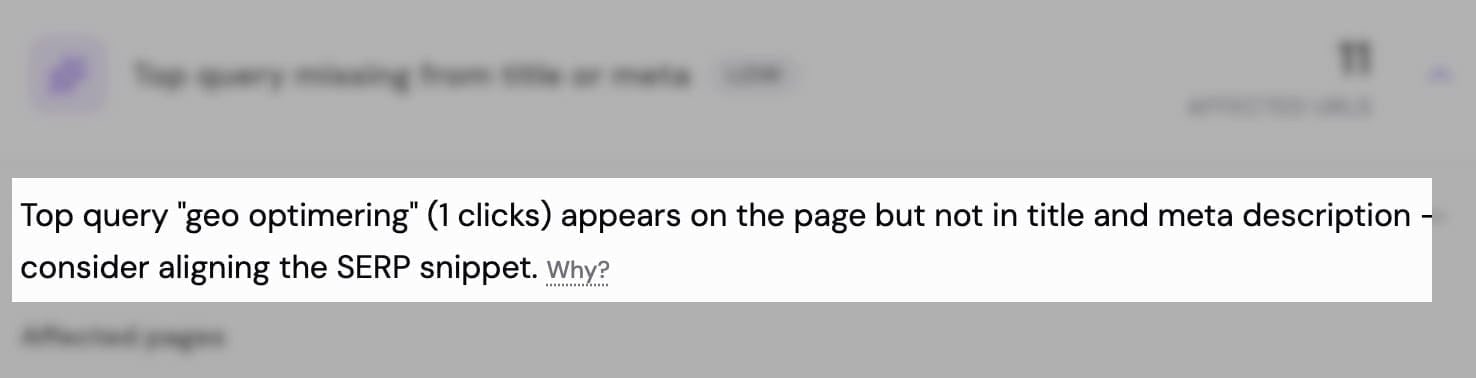
The crawler tells you what pages exist, how they respond, and how they are structured. Search Console tells you what actually happened in search results for URLs Google reports: impressions, clicks, queries, and (on supported plans) extra dimensions such as country or device. Where both exist for the same URL, we can highlight mismatches—for example strong queries that barely show up on the page, or pages that earn impressions but weak clicks—see How we find possibilities and Getting started on the dashboard.
Stored data, not a live Google call on every click
When you open a chart or a page detail view, we read from what we have already stored, not from Google’s API on every page load. That keeps the app fast and predictable; it also means very recent changes in Google may take a short time to appear after the next collection run. Sync status and timing are visible in the website workspace—see What you see on a website. For how often you can run a manual import from the dashboard, see Manual Search Console refresh & site recrawl cooldowns.
What you typically see in the UI
- Totals and ranges — aggregated clicks, impressions, and related counts, plus the date span your stored data covers.
- Time series — performance over time as weekly points (Monday–Sunday buckets; chart “date” is the week’s Monday). Legacy deployments may still have old daily/monthly tables on disk until reset—they are not what the UI reads.
- Queries and landing pages — surfaced in Overview insights, the Pages tab, and elsewhere as the workspace is designed—always tied to stored rows for your tier and date range.
Search type (web, image, video, news)
Google separates performance by search type (for example web versus image results). Most plans focus charts and collection on web search. Business and Enterprise can use web, image, video, and news in line with how we collect those surfaces—when more than one is available, you may switch the surface for charts and some summaries.
Retention and plan limits
How far back stored metrics reach depends on your subscription tier and how long we have been collecting for that site. Labels and limits are summarized in Tiers, pages, and data retention.
Country and device
Breakdowns by country and device rely on geo-style storage where your plan includes it; otherwise the workspace explains that an upgrade is needed. When included, shares are usually within each breakdown (for example share of clicks across countries). In the app, site-wide tables sit on the Country tab; page-level breakdowns appear under Pages → Geo when allowed—see What you see on a website.
Combining with crawl data
The same URL can show crawl-derived signals and Search Console performance side by side. That combination is what makes prioritization practical: you see whether traffic or queries you care about line up with technical or content issues on that URL.